
AQS Overview
AlgoQuant Studio is the desktop application around AlgoQuant Engine. It gives builders one workspace for strategy authoring, backtest review, live supervision, and insight inspection.
What AQS covers
Section titled “What AQS covers”- visual strategy authoring in the editor
- local datafeed and execution broker setup
- backtest performance and trade review
- live strategy supervision
- insight inspection and state history review
- account, equity, and event monitoring
How AQS fits with AQE
Section titled “How AQS fits with AQE”AQE executes the strategy runtime. AQS renders the operational surfaces around that runtime, so you can inspect what the engine is doing without reading logs or querying databases by hand.
Main surfaces
Section titled “Main surfaces”- Strategy Editor for project and strategy composition
- Datafeeds for market data and execution connection setup
- Backtest Results for historical performance review
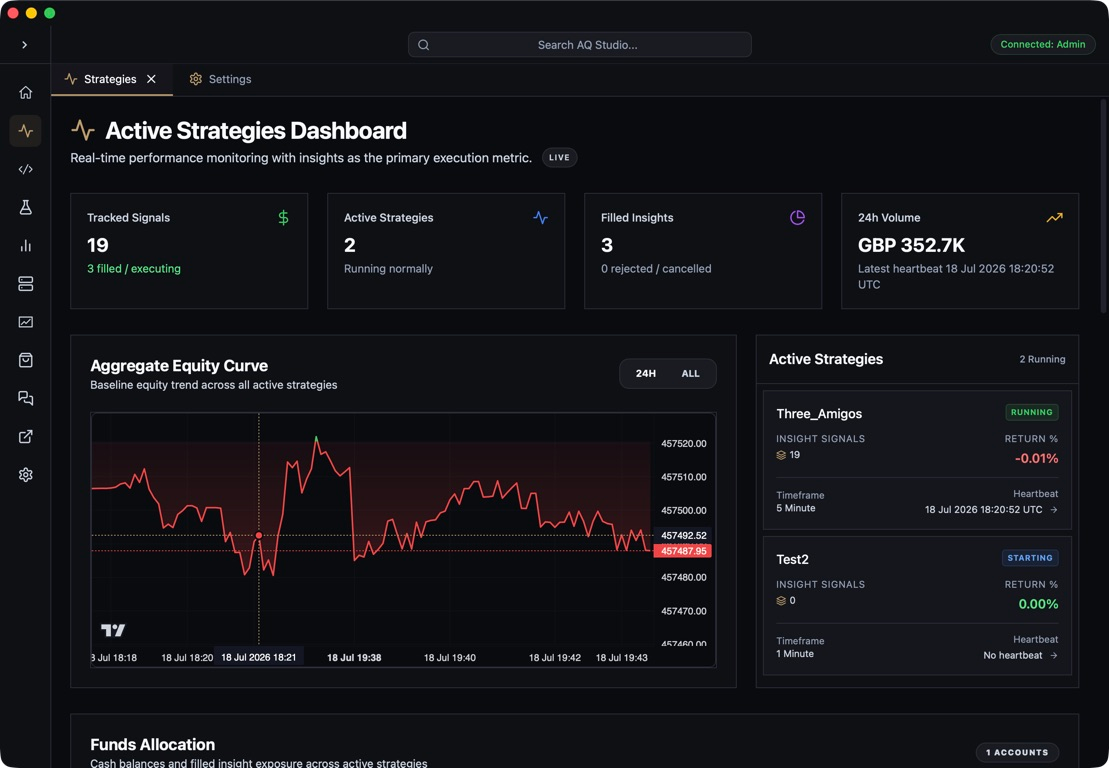
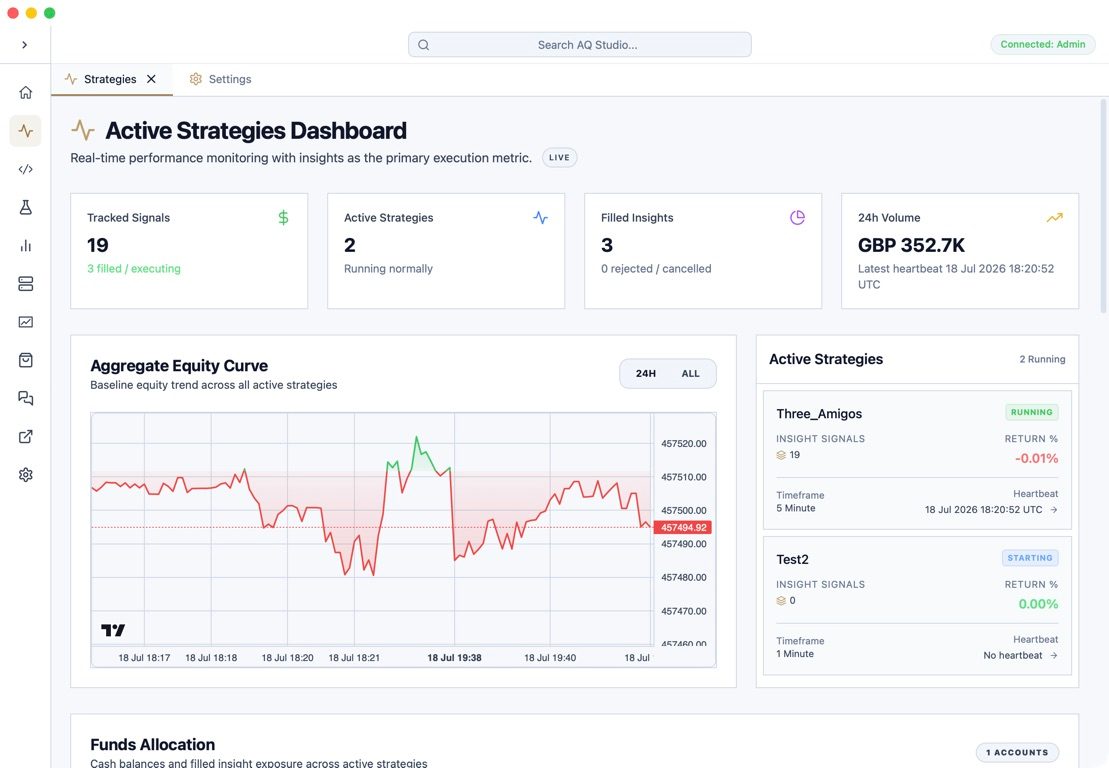
- Active Strategies Dashboard for live session supervision
- Strategy Detail for insight flow, account performance, events, and cloud session state
Use the pages in this section to move through the desktop application in the same order most users encounter it.
Essential cookies and storage
We use essential cookies and storage for sign-in, account security, colour theme preferences, this notice, and required PostHog internal usage, session quality, and reliability metrics. We do not use advertising cookies.