
Backtest Review
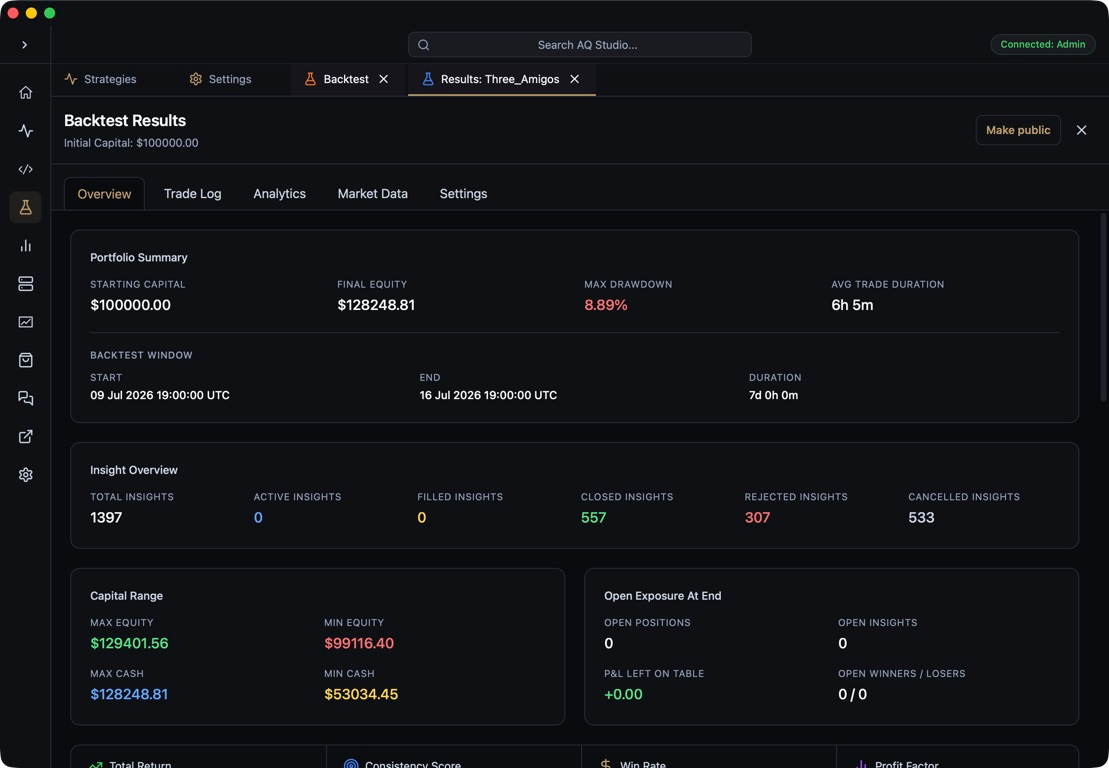
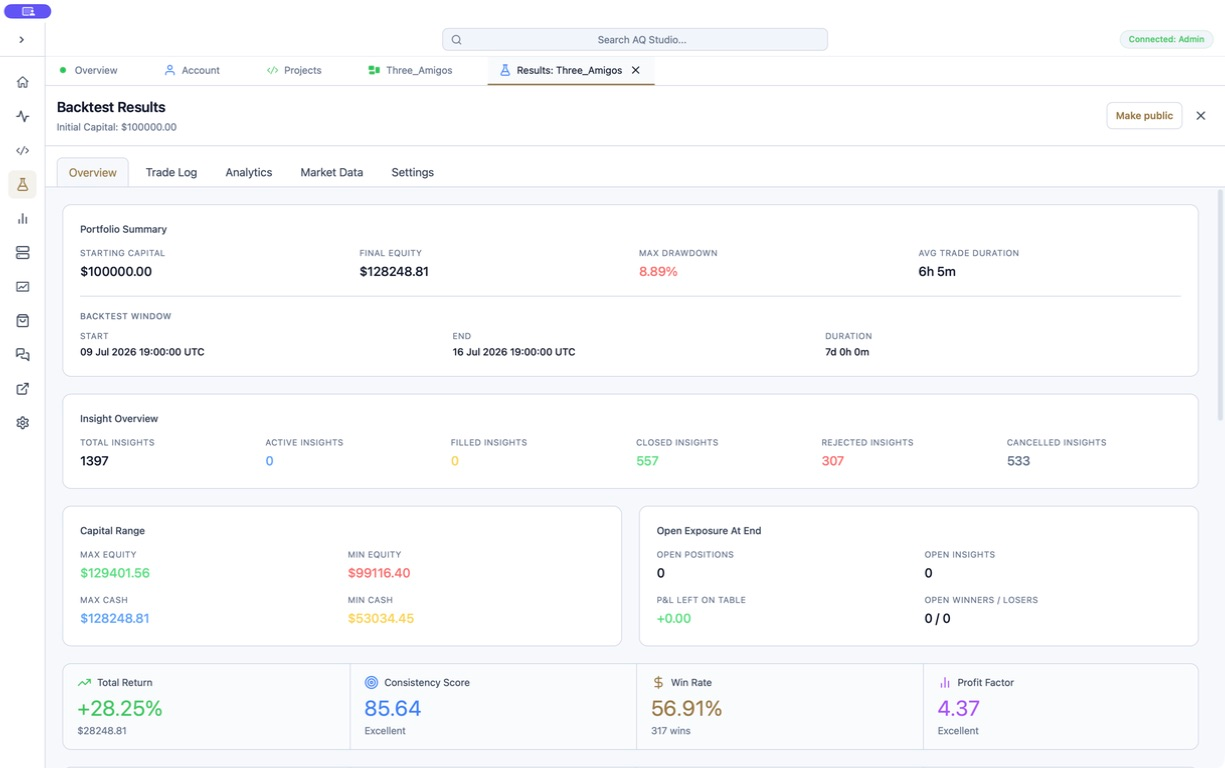
Backtest review in AQS is designed to make historical execution easy to interrogate before a strategy moves into live operation.
What you can review
Section titled “What you can review”- headline performance metrics
- equity curve development
- trade logs
- commission, swap, and net PnL per trade where available
- insight-level inspection
- state history and execution structure
- rejected and cancelled insight outcomes
Why it matters
Section titled “Why it matters”The backtest surface mirrors the same inspection model used in live strategy views. That makes it easier to move from research into deployment without changing how you read strategy behaviour.
Working with backtest data
Section titled “Working with backtest data”AQE stores backtest results on disk, and AQS reads those results into the desktop review surfaces. You can also inspect the same SQLite files directly in a database client when you need lower-level access.
Reviewing fees
Section titled “Reviewing fees”Backtests always execute through PaperBroker, so commission and swap in a backtest come from the fee configuration used for that run. MT5 live deal commission is not inferred during historical execution.
AQS displays fee data from the backtest database:
trade_logrows include the commission and swap attached to each entry or close event.round_tripscombine entry commission, exit commission, swap, and gross PnL into net PnL.account_historyincludes accrued commission over time.
Net PnL uses the same AQE accounting rule as the paper broker:
gross PnL + swap - total commissionSet or review brokerFees in the Strategy Editor runtime/backtest configuration before starting the run. Changing fees after a run does not rewrite existing backtest results.
We use essential cookies and storage for sign-in, account security, colour theme preferences, this notice, and required PostHog internal usage, session quality, and reliability metrics. We do not use advertising cookies.